
Games that grow a thinker.
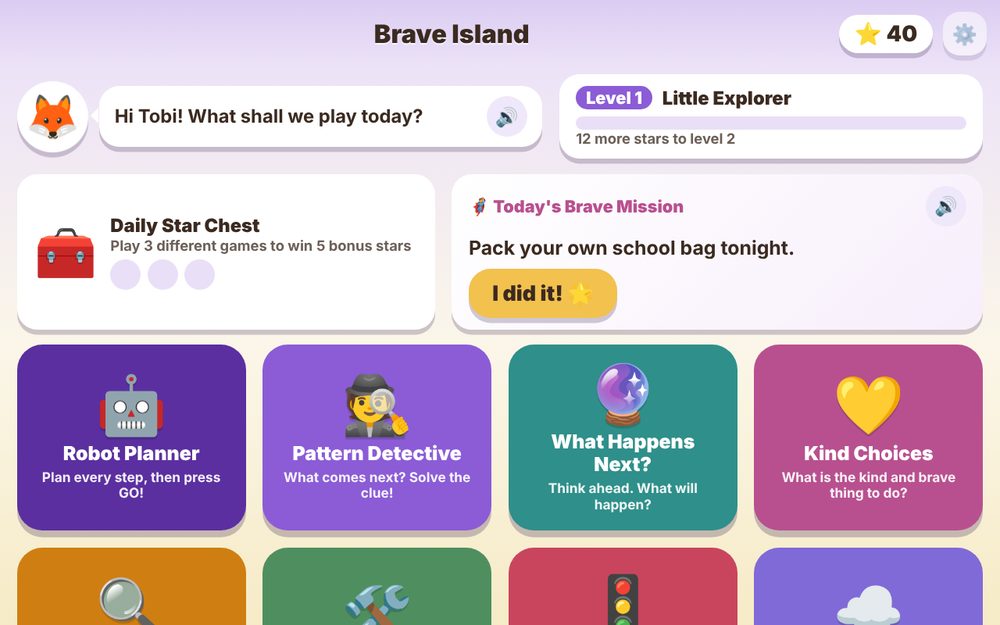
After school, children want something fun to come back to. Brave Island turns that time into practice in planning ahead, making kind choices, staying calm and being brave. It is not a school subject app. It builds the person.
Skills that decide how a child handles life.
Numbers, letters and shapes are already covered at school. Brave Island adds the rest.
Planning and foresight
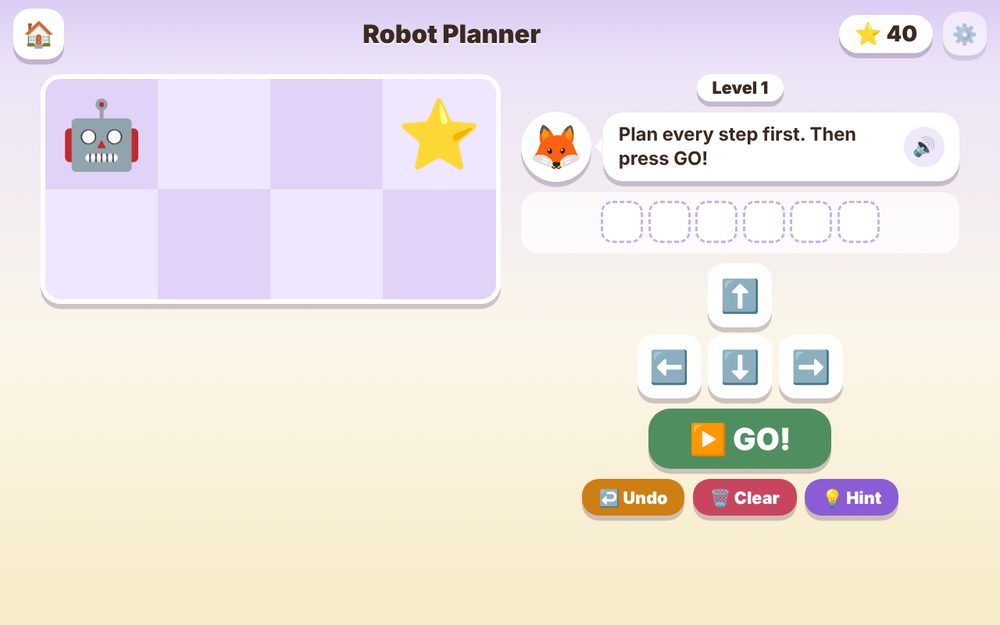
In Robot Planner the child must plan every step first, then press GO. Think before acting becomes a habit.
Reasoning
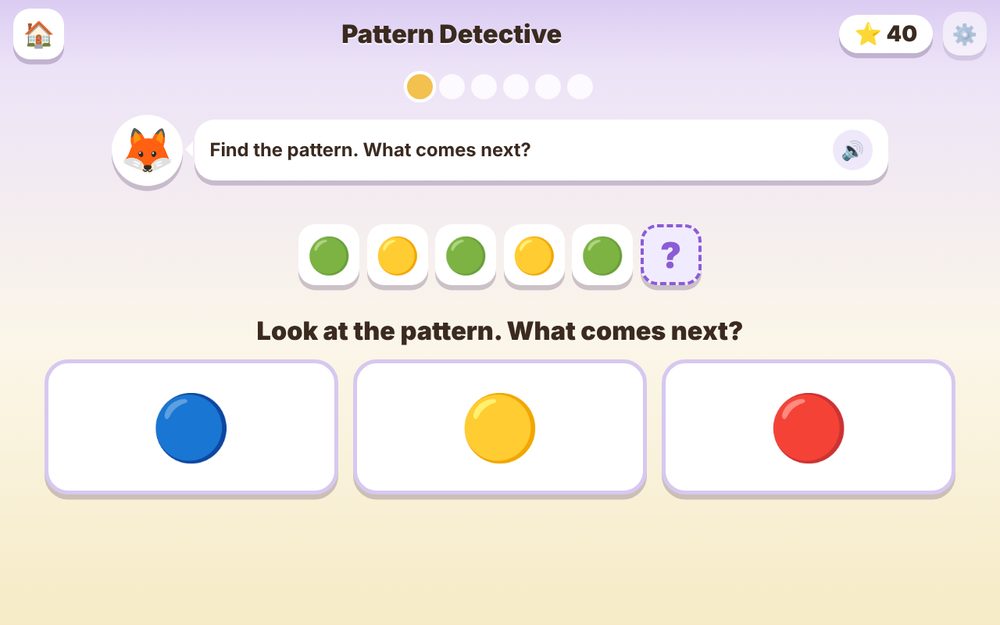
Pattern Detective and What Happens Next ask children to spot clues and predict outcomes instead of guessing.
Kindness and character
Kind Choices gives real situations, like a friend who is sad, and lets the child pick the kind and brave response.
Patience and self control
Red Light Green Light rewards waiting, and Calm Cloud teaches naming feelings and slow breathing.
Problem solving
Fix It games show something that went wrong and ask the child to work out how to put it right.
Self reliance
My Day and the daily Brave Mission turn small jobs, like packing a school bag, into stars for the child's own island.
It grows with your child.
A parent picks the age once. The games and daily missions adjust automatically. Every game also has its own levels: finish one to unlock the next, and each level is a little harder than the last, so there is always a new challenge.
Little Explorers
Short, simple choices, big pictures, spoken instructions and plans of a few steps.
Rising Thinkers
Longer patterns, bigger robot maps and trickier situations that need a second thought.
Brave Leaders
Number patterns, multi step plans, harder fix it puzzles and more grown up daily missions.
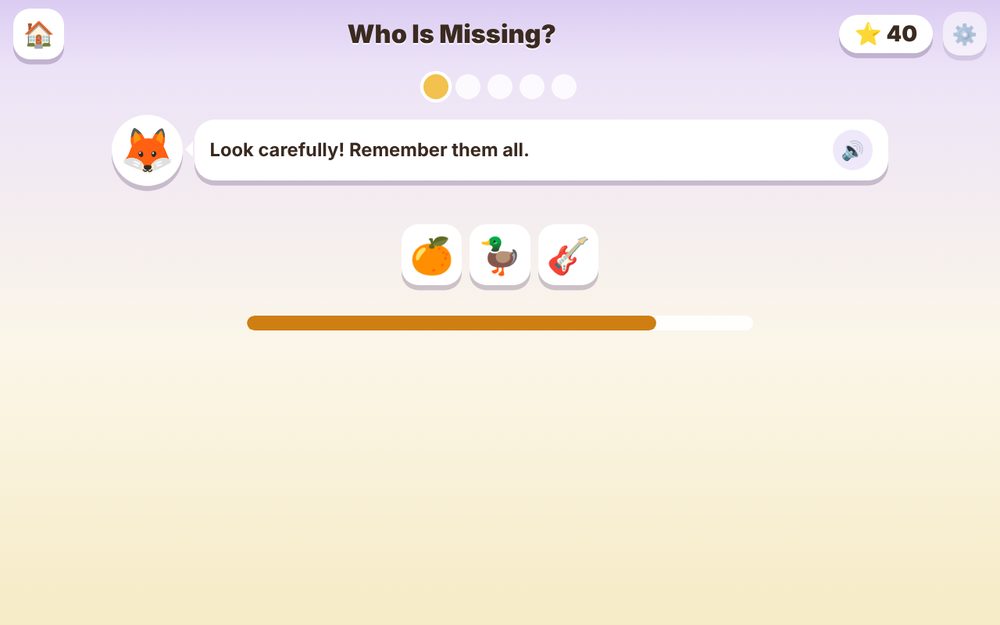
Big buttons. A buddy who reads aloud.
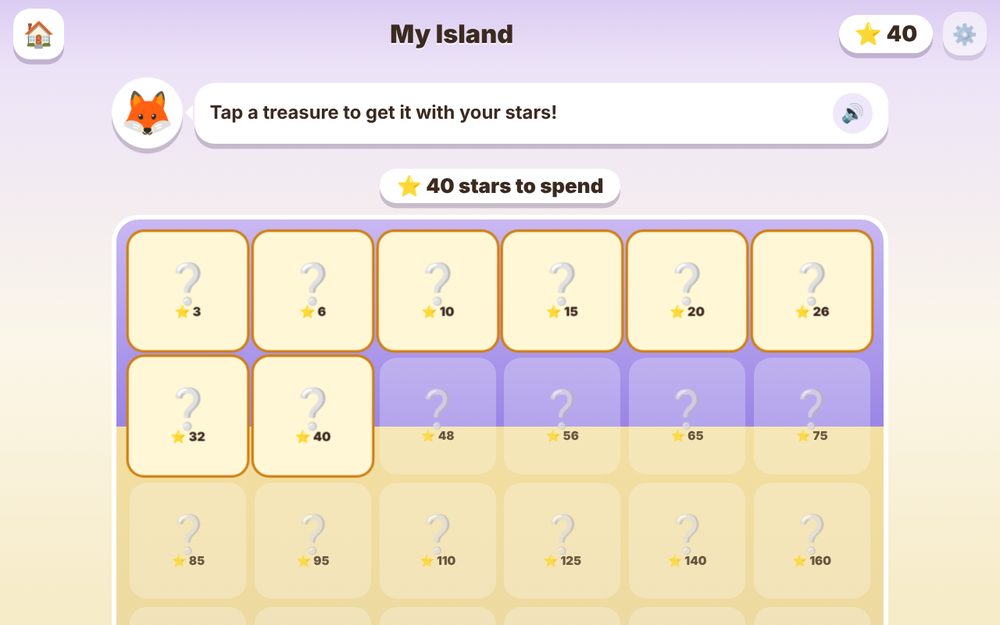
Every question is spoken, and treasures wait on My Island.
No store. Under a minute.
Open Brave Island in your browser, then add it to your device so it opens like any other app.
Laptop or PC
- Open Brave Island in Chrome or Edge.
- Click the install icon in the address bar, or open the grown up corner and press Install app.
- Choose Install. An icon appears on the desktop.
Tablet or phone
- Open Brave Island in Chrome.
- Tap the three dots menu.
- Tap Install app or Add to Home screen.
Apple devices
- Open Brave Island in Safari.
- Tap the Share button.
- Tap Add to Home Screen, then Add.
Each child uses their own device, and stars, treasures and progress are saved on that device. Open the app once with internet, and after that it works without it.
Private by design. You stay in control.
Nothing collected
Your child's name and progress stay on the device. Nothing is sent to us or anyone else. Read the privacy page.
Play time limit
Set a daily limit. When time is up, the app shows a rest screen and only a grown up PIN can add more time.
Parent Corner
Behind a PIN, see which skills your child is growing, change the age, edit the My Day list and read a conversation tip for each game.
What parents ask.
Is it really free?
Yes. There are no purchases, no subscriptions and no ads inside the app.
Does it need internet?
Only the first time you open it. After that it works offline, which is handy for car rides and power cuts.
Will my child's progress move to another device?
No. Progress lives on the device the child plays on. That is why each child should use their own device, so their island is their own.
What if my child is 4 and cannot read yet?
The buddy reads every question and answer aloud, and there is a speaker button to hear it again. Voice can be turned on or off in the Parent Corner.
How do I get into the Parent Corner?
Tap the small gear at the top right and enter the PIN. The starting PIN is 1234, so please change it to your own four digit number inside the Parent Corner and keep it away from your child.
Will clearing browser data reset the stars?
Yes, clearing the site data for Brave Island resets progress. Installing the app to the home screen and not clearing site data keeps everything safe.
Give your child a reason to come back to something good.
Ten minutes a day of planning, kindness and courage adds up.